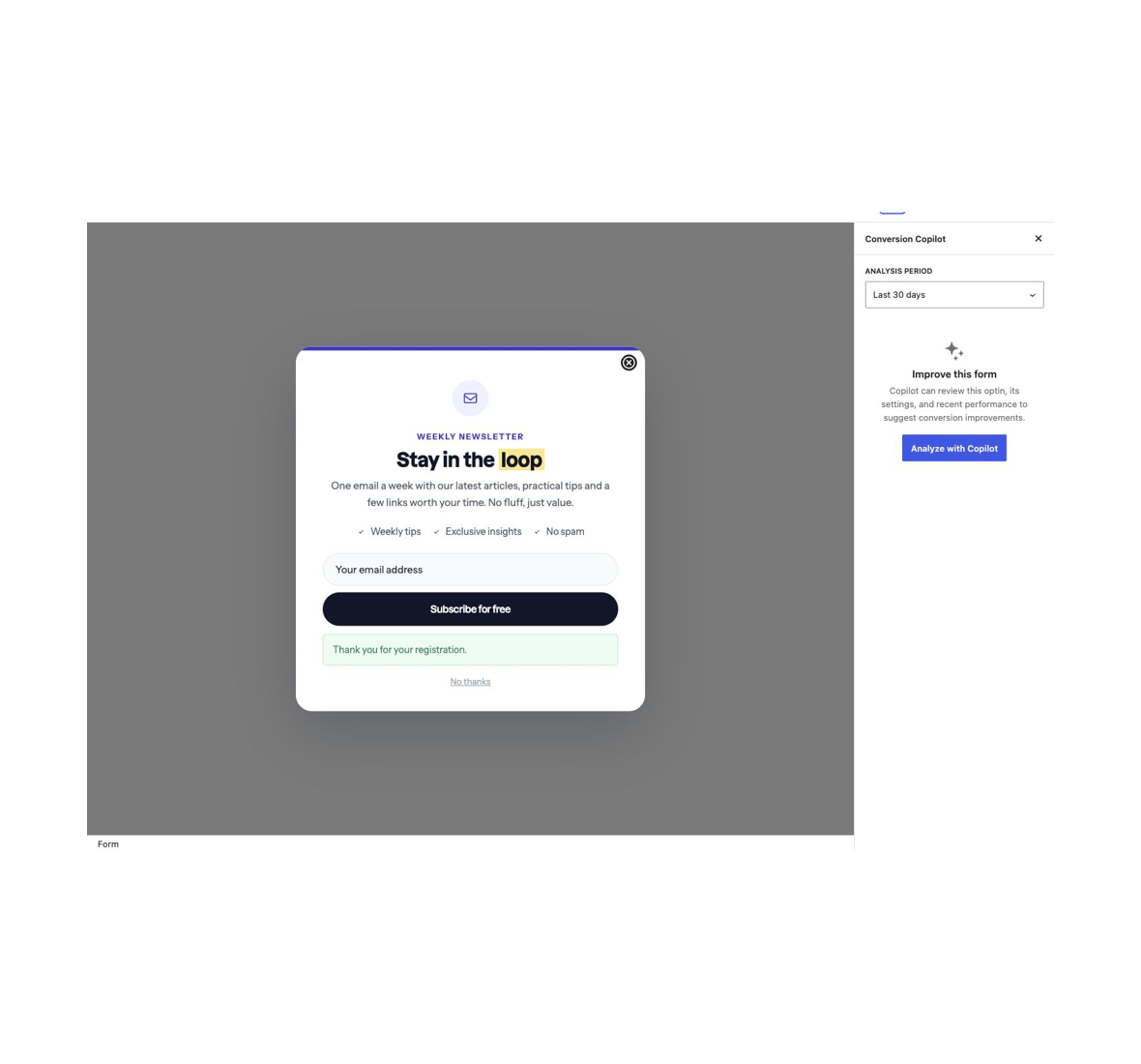
Give your optimization work a starting point. Conversion Copilot reviews a published form and its recent performance to suggest what to test next.
Choose what to test next
Requires OptinFlare Pro, a published form and a configured AI provider. Recommendations guide your review; they do not guarantee higher conversion rates.
01
Choose the period
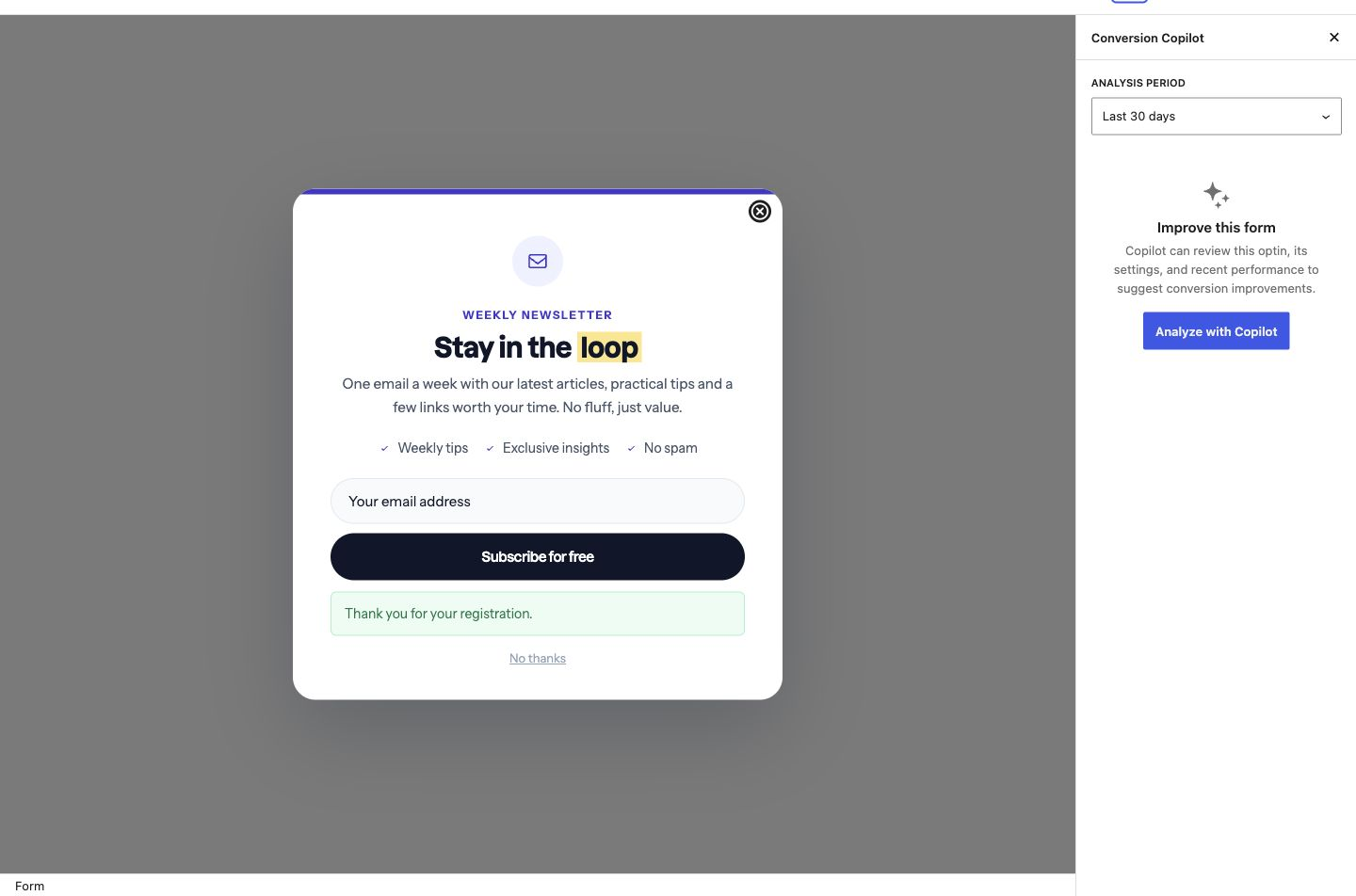
Review the last 7, 14, 30 or 90 days from the Copilot panel. Match the analysis window to the campaign you are actually evaluating.
02
Look beyond the design
Copilot considers the form’s content, configuration and recent results together. Use the review to spot friction rather than changing a headline in isolation.
03
Prioritize your next changes
Read the recommendations and their expected impact and effort. Use them to choose a manageable next experiment, keeping the strength of your traffic data in mind.
04
Create a recommended variant
Where eligible, turn the recommendations into one A/B variant. Review the proposed copy and layout before using it in a live test.
05
Keep the final decision
Copilot can work with an existing test’s eligible variant rather than creating a third version. You remain responsible for the offer, final content and publication.
Take the full tour
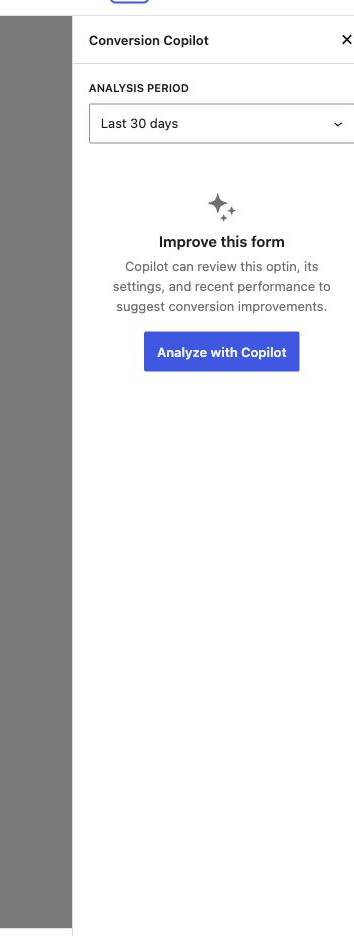
Tap a screenshot to open the full-size image in a new tab and zoom in on the details.
Top 3 reasons you’ll love OptinFlare
Design
Build popups, fly-ins, bars and inline forms in the native block editor, with your theme styles and previews for desktop, tablet and mobile.
Target
Show a form after a delay, on scroll, on exit intent or on a click. With Pro, display rules by page, device, referrer and UTM parameter for popups, fly-ins, bars and fullscreen forms.
Convert
Send each sign-up to your newsletter plugin or email service. No email service yet? Sign-ups are stored in WordPress.
Put it to work on your site
Start with a published form
Copilot analyzes published opt-ins. Drafts belong in the editor and preview workflow before they have a live performance history to assess.
Treat small samples carefully
A handful of impressions cannot establish a reliable uplift. Use limited-data recommendations as hypotheses and continue collecting results.
Review combined recommendations
One recommended variant can combine several suggestions. If you need to isolate one cause, edit the variant into a more focused experiment.
Separate advice from execution
Analysis does not silently rewrite your published form. Review recommended changes and test them against the original before adopting them.




You have a question? We’ve got you covered.
Practical answers before you start.
No. Publish the form first, then choose a period for its review. Copilot uses the published form’s content, settings and recent results.
Yes. Configure your AI provider and API key in OptinFlare’s AI settings. Provider usage and charges are separate from your OptinFlare license.
No. The recommended-variant workflow respects the form’s A/B test. Where appropriate, it updates an eligible existing variant instead of adding a third one.
No. They are suggestions to review and test. Traffic quality, sample size, your offer and the changes you make all affect the result.
Didn’t find your question?
Get ready with OptinFlare
Documentation
Step-by-step guides for every screen of OptinFlare, from your first form to the REST API.
Help & Support
Questions about your license or a form that won’t show? Find answers or contact us.
Changelog
Every version of OptinFlare, with what it adds and what it fixes.