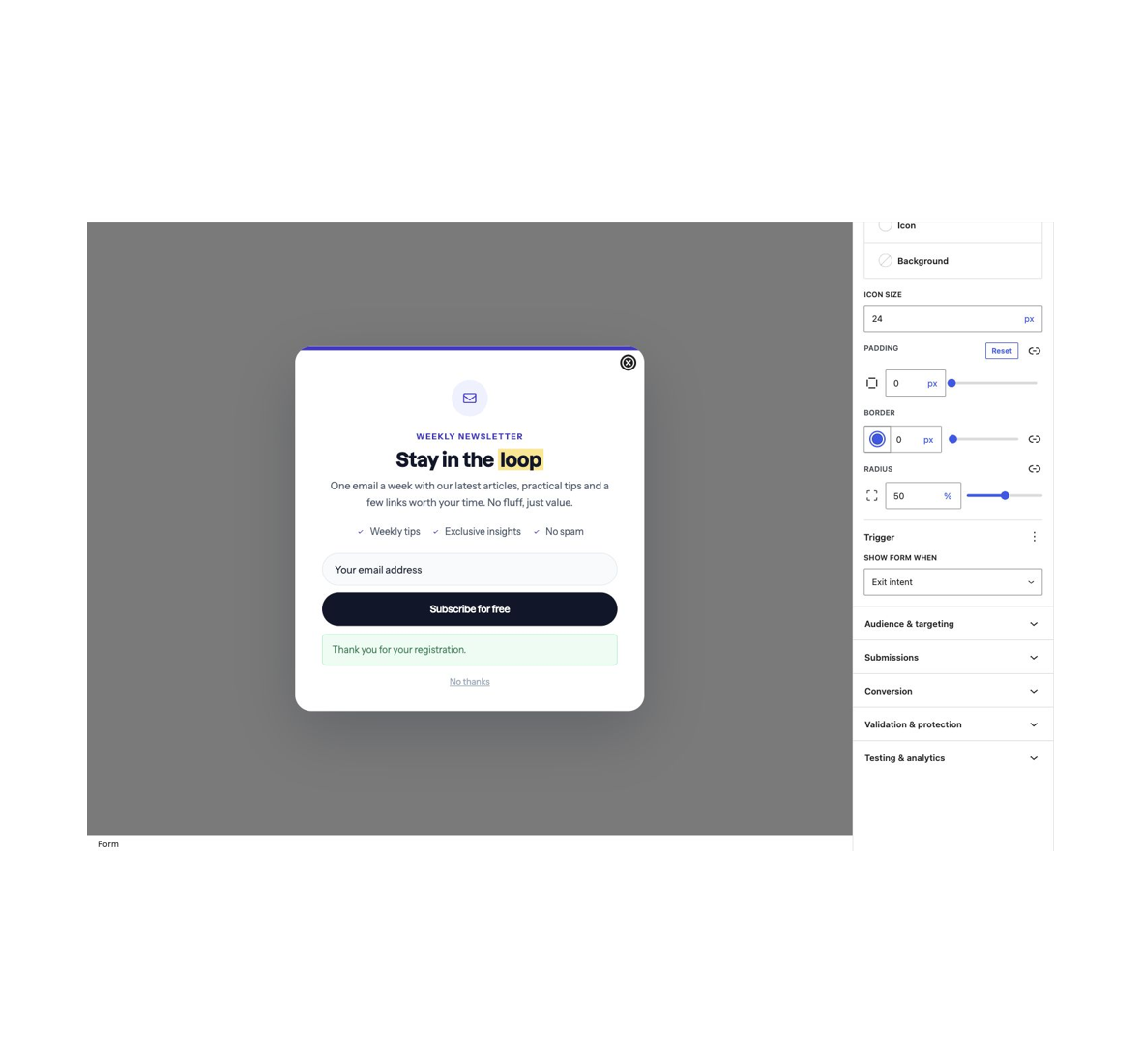
Offer a reason to stay in touch when a visitor may be leaving. Exit intent is a trigger for a useful opt-in, not a way to prevent navigation.
Reach visitors as they prepare to leave
The exit-intent trigger is available in the free plugin. Premium targeting rules require Pro, and applicable consent permissions still control the relevant features.
01
Choose Exit intent
Open Display & behavior and choose Exit intent in Show form when. Use it for a popup with a clear, relevant reason to subscribe.
02
Recognize desktop exit signals
On desktop, OptinFlare listens for the pointer leaving near the top of the document, with a browser fallback and a tab-visibility signal.
03
Account for touch devices
Touch devices use different signals, including a quick upward scroll near the top and visibility changes. Test your campaign on actual devices rather than assuming mouse behavior.
04
Respect the visitor’s choices
Combine the trigger with dismissal and submission frequency settings. An exit signal does not mean a visitor should see the same offer repeatedly.
05
Match the offer to the page
Use a relevant newsletter benefit, guide or offer. Pro display rules can narrow the audience; the basic trigger and the premium targeting are separate capabilities.
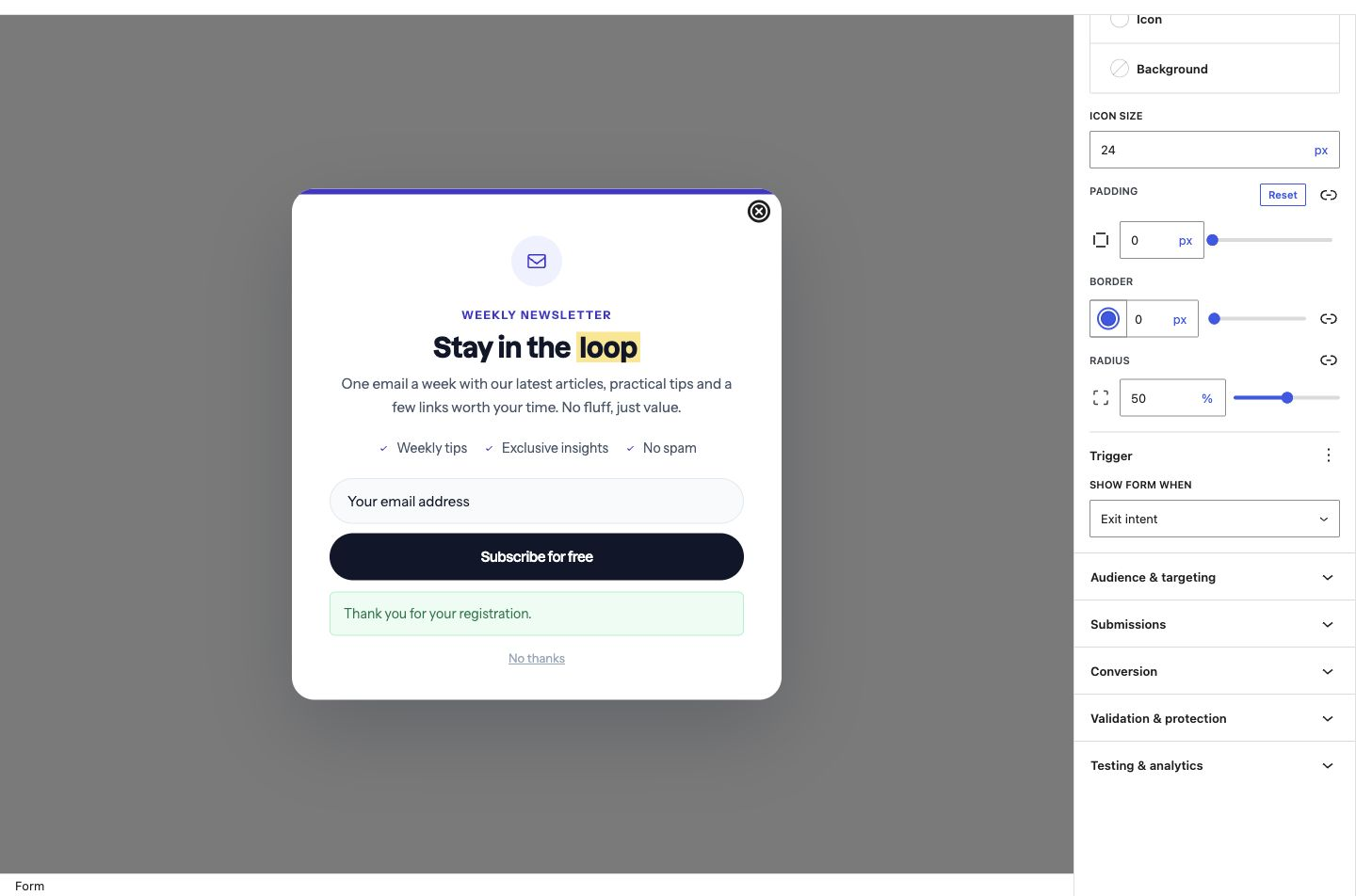
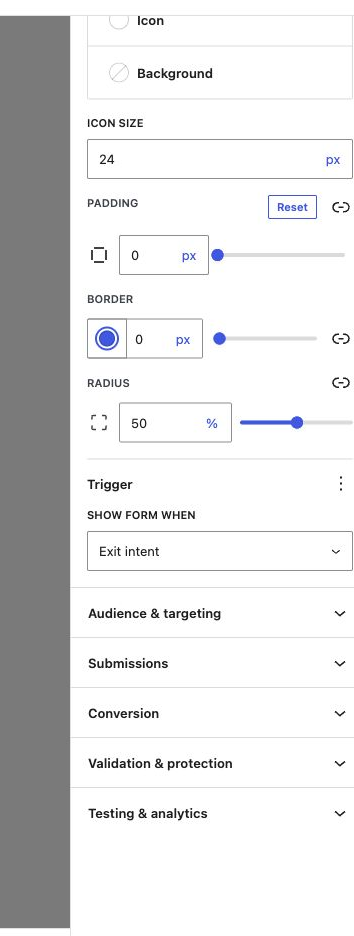
Take the full tour
Tap a screenshot to open the full-size image in a new tab and zoom in on the details.
Top 3 reasons you’ll love OptinFlare
Design
Build popups, fly-ins, bars and inline forms in the native block editor, with your theme styles and previews for desktop, tablet and mobile.
Target
Show a form after a delay, on scroll, on exit intent or on a click. With Pro, display rules by page, device, referrer and UTM parameter for popups, fly-ins, bars and fullscreen forms.
Convert
Send each sign-up to your newsletter plugin or email service. No email service yet? Sign-ups are stored in WordPress.
Put it to work on your site
Keep the offer specific
Explain what subscribers will receive. A clear benefit makes the interruption easier to evaluate than an unexplained request for an email address.
Provide a visible close option
Check the close button and dismiss link in your chosen format. Visitors should remain able to continue or leave without subscribing.
Test the timing
Try normal browsing, tab changes and mobile scroll behavior. Exit-intent signals vary by device and browser and cannot guarantee a visible message after departure.
Review the results
Compare impressions and successful sign-ups in Analytics. Evaluate your actual campaign instead of assuming an exit popup always improves conversions.




You have a question? We’ve got you covered.
Practical answers before you start.
The basic Exit intent trigger is in the free plugin. Pro is needed for premium audience rules or other premium features you choose to combine with it.
No. Touch devices do not have a desktop pointer. OptinFlare uses other signals, including fast upward scrolling near the top and page visibility changes; test the result on your devices.
No. It cannot reliably display after navigation has already completed or force someone to stay. Exit intent is a best-effort trigger, not a navigation lock.
Configure the form’s display frequency and its behavior after a close or successful sign-up. Verify these settings with the privacy profile and consent tool used on your site.
Didn’t find your question?
Get ready with OptinFlare
Documentation
Step-by-step guides for every screen of OptinFlare, from your first form to the REST API.
Help & Support
Questions about your license or a form that won’t show? Find answers or contact us.
Changelog
Every version of OptinFlare, with what it adds and what it fixes.