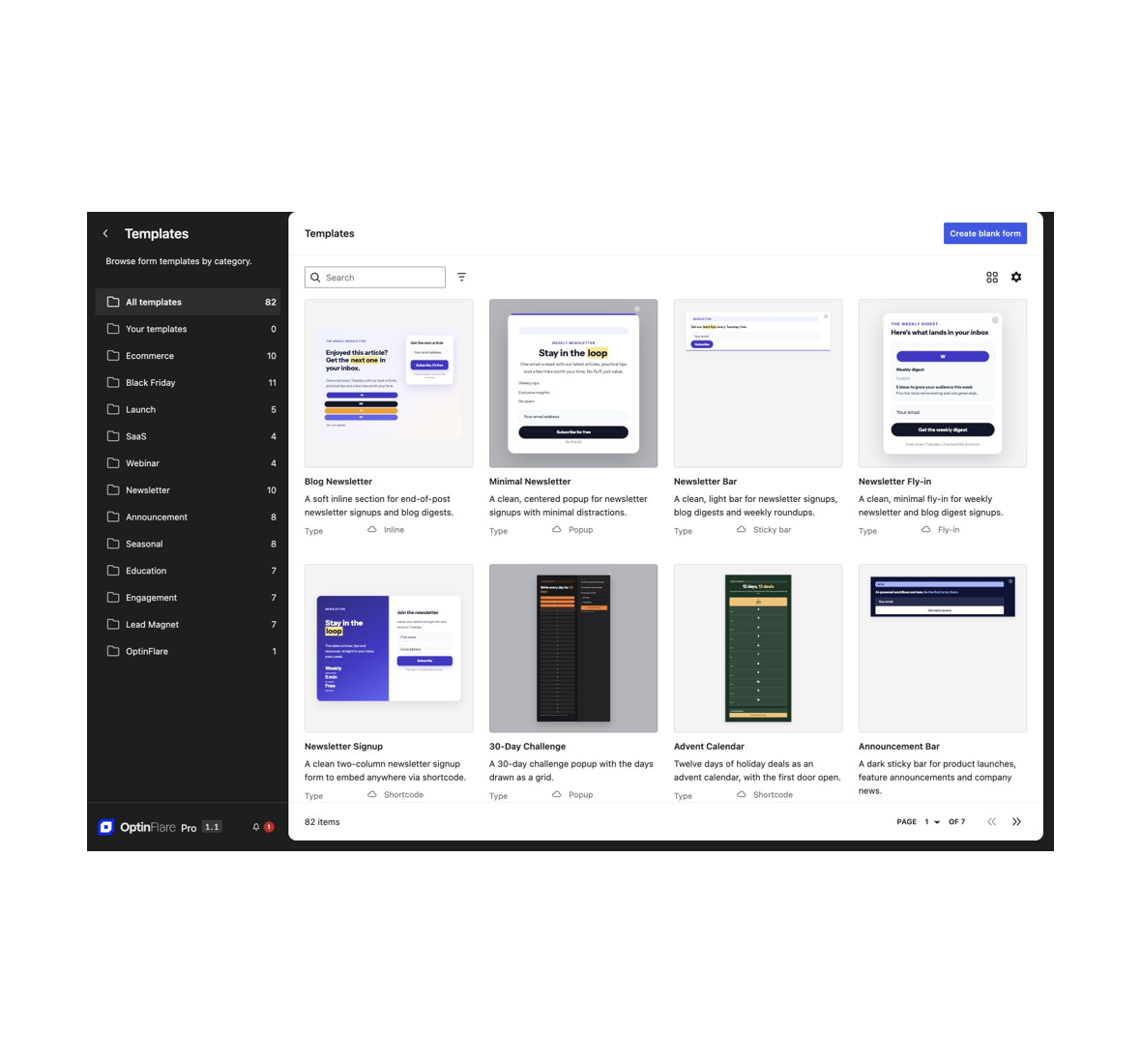
Start from a useful structure and make it yours. OptinFlare combines a form template library with the familiar WordPress pattern workflow.
Start with a reusable design
Templates use the native block editor. Premium behaviors still depend on your OptinFlare edition; choosing a design does not unlock a premium feature.
01
Choose a form template
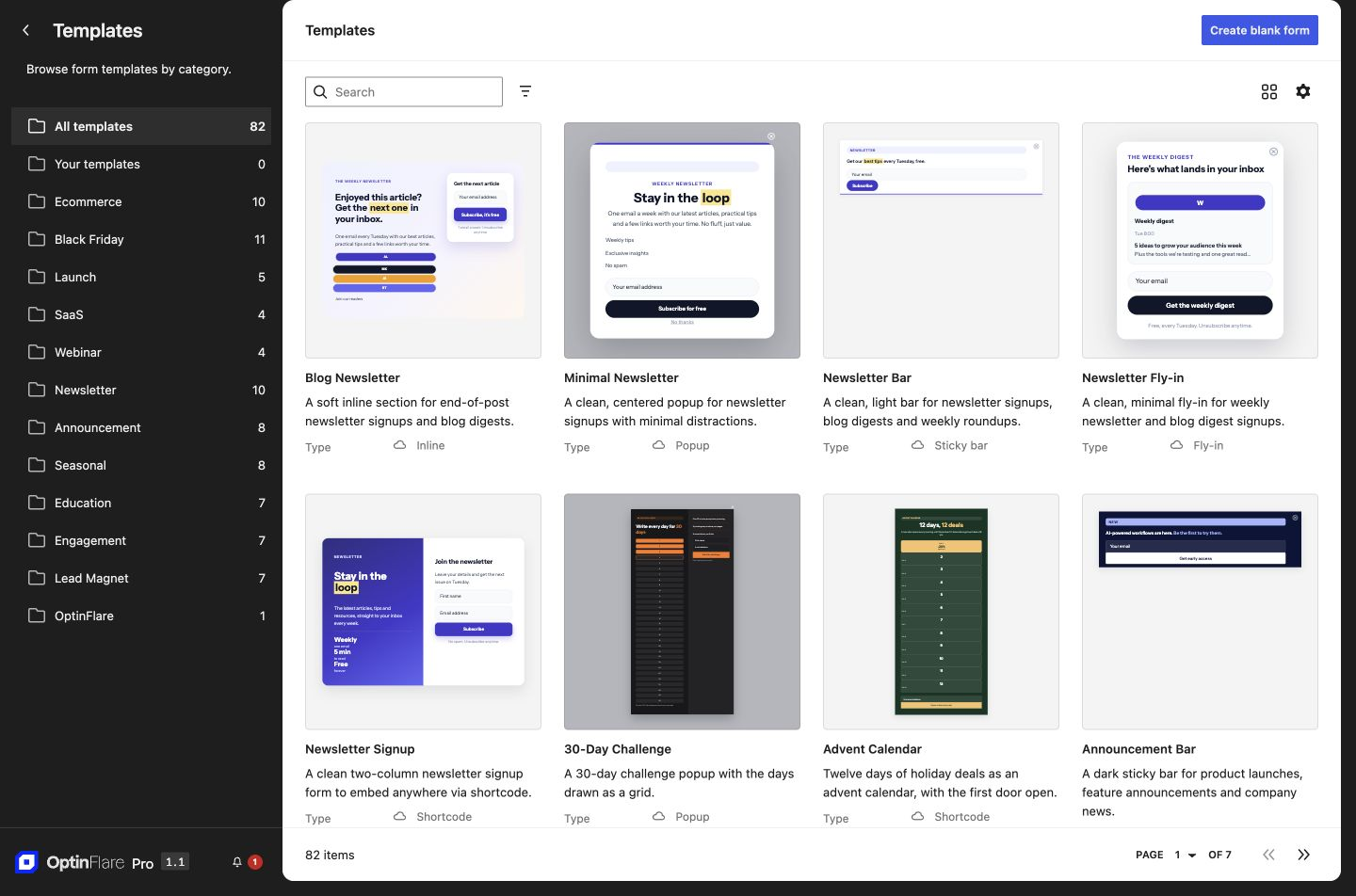
Browse the template library for an opt-in that suits your offer. Start from a complete form instead of rebuilding its structure and fields from nothing.
02
Choose the right format
Work with the form formats supported by OptinFlare, including popups, fly-ins, bars and inline forms. Check the selected template’s format before adapting it.
03
Edit actual WordPress blocks
Replace the copy, move fields and adjust colors and spacing in the native editor. A template is editable content, not a flattened image.
04
Insert reusable sections
Use patterns for smaller pieces such as a countdown strip or a welcome coupon section. Add the part you need without duplicating the entire form.
05
Preview before publication
Check the template with your own copy, theme and screen sizes. Configure the offer, triggers and submission actions before publishing the resulting form.
Take the full tour
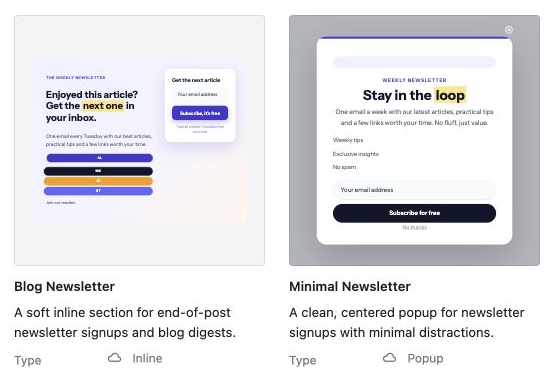
Tap a screenshot to open the full-size image in a new tab and zoom in on the details.
Top 3 reasons you’ll love OptinFlare
Design
Build popups, fly-ins, bars and inline forms in the native block editor, with your theme styles and previews for desktop, tablet and mobile.
Target
Show a form after a delay, on scroll, on exit intent or on a click. With Pro, display rules by page, device, referrer and UTM parameter for popups, fly-ins, bars and fullscreen forms.
Convert
Send each sign-up to your newsletter plugin or email service. No email service yet? Sign-ups are stored in WordPress.
Put it to work on your site
Customize the promise
Replace sample benefits, dates and discounts with your own. A template’s sample copy does not configure the offer it describes.
Reuse common sections
WordPress patterns help you reuse parts of a design. Choose synchronized or independent patterns according to the changes you want to share.
Review theme compatibility
Block-theme presets can provide your colors and typography. Check the actual result rather than assuming a sample design matches every theme unchanged.
Keep delivery separate
A lead magnet or coupon design is not a delivery workflow. Set up the relevant integrations and actions to fulfill what the form promises.




You have a question? We’ve got you covered.
Practical answers before you start.
Yes. Edit its blocks, text, fields and styles in the native WordPress editor, just as you would when building a form yourself.
A form template is a starting point for an opt-in. A WordPress pattern is a reusable section that can be inserted into a larger design.
No. Review sample text and configure the real offer and delivery separately. A design alone does not create a coupon, integration or email sequence.
The available behavior follows your installed edition. A template does not bypass Pro requirements for features such as AI generation or A/B testing.
Didn’t find your question?
Get ready with OptinFlare
Documentation
Step-by-step guides for every screen of OptinFlare, from your first form to the REST API.
Help & Support
Questions about your license or a form that won’t show? Find answers or contact us.
Changelog
Every version of OptinFlare, with what it adds and what it fixes.